When the process is fragmented
- Records separated from the work.
- Handoffs without a clear owner.
- Decisions without the relevant context.
Connect stock availability to the work of receiving, reserving, picking and shipping—with traceability through every movement.
For warehouse teams, stock controllers and operations leaders.
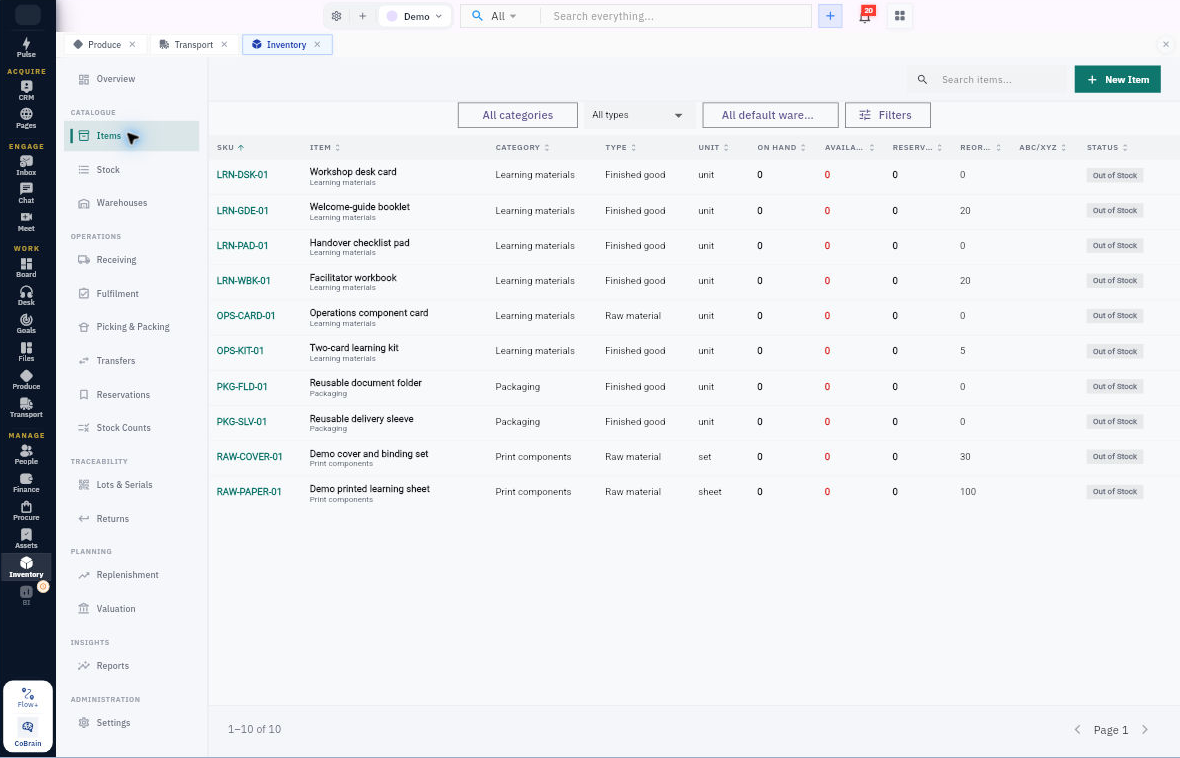
Connect stock availability to the work of receiving, reserving, picking and shipping—with traceability through every movement.
Each capability stays connected to the customer, work, people, decisions, and operating context around it.
Take expected receipts through inspection and putaway into the right warehouse location.
Allocate available quantities, prepare pick lists and packages, then create the linked Transport delivery.
Reconcile physical counts, control adjustments and plan replenishment before shortages interrupt work.
Begin simply, configure deeply, and keep the system understandable as the business grows.
Understand the item, location and status behind each quantity.
Follow goods through receiving, storage and fulfilment.
Use stock evidence to decide what to replenish.
Prepare the shipment in Inventory, then record the actual delivery outcome and required proof in Transport. The linked shipment updates Inventory quantities.
Receiving, issuing, reservations, approvals and configuration use separate permissions. A visible stock record does not grant permission to change it.
Confirmed fulfilment lines can be used as the source for Produce orders. Review material availability, reserve and issue stock for production, then prepare the shipment for its linked Transport delivery.
A practical sequence your team can review and own.
Review stock and replenishment recommendations.
Create a purchase requirement and hand it to Procure.
Process the receipt and inspection.
Complete putaway into the intended location.
Explore the related workflows and choose the next step your team needs.
For warehouse teams, stock controllers and operations leaders.
Give the workflow clear ownership and review the evidence.
The strongest rollout is the one your team can understand, adopt, and prove.
Yes. Receiving, putaway, allocation, picking, packing, transfers and counts have dedicated workflows.
Review replenishment recommendations, create the purchase requirement and hand it to Procure for purchasing.
Bring your team into Inventory, then connect the next workflow at your pace.