Conversation that stays beside the work it changes.

Keep internal conversations close to the people and work they concern. Use team channels and direct messages without moving the business context into another workspace.

For teams coordinating work throughout the day.

  • No card required
  • Start with one workflow
  • Expand at your pace
Chat · WorkroomlyProduct view
Work chat should create shared momentum—not another place to search.Chat keeps conversations searchable, contextual, and ready to become action.
Organize channels
Connect the work
Act from messages

When chat is separate from work, the important part becomes invisible.

Teams talk quickly, then spend hours rebuilding decisions in project tools, CRM, docs, and meetings.

When the process is fragmented

  • Decisions live in channels that project owners may never see
  • Messages reference tasks and customers without a durable connection
  • Important requests are copied manually into another tool
  • New teammates search through months of conversation for context

When Chat is connected

  • Channels can live beside teams, accounts, projects, and operating workflows
  • Tasks, files, records, goals, and tickets are linked directly in conversation
  • Any message can become owned work without losing the thread
  • CoBrain summarizes history and finds the decision behind the work

Chat is designed around the movement—not the menu.

Each capability stays connected to the customer, work, people, decisions, and operating context around it.

Give the team a shared conversation.

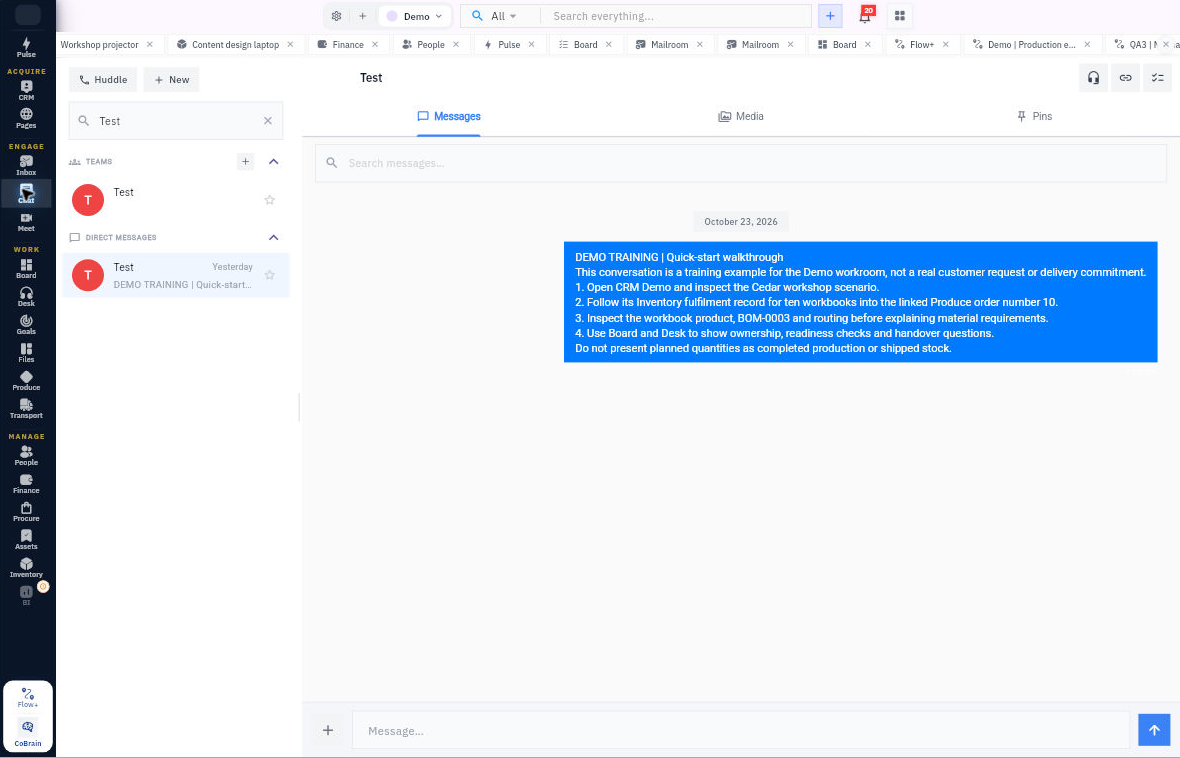
Organize collaboration in teams and channels so people can find the discussion they need.

  • Teams and channels
  • Channel conversations
  • Member access

Continue the detail in a thread.

Use message threads and attachments to keep the detail close to the original conversation.

  • Message threads
  • File attachments
  • Saved messages

Reach the right person directly.

Use direct conversations and notifications for the exchange that belongs between individuals.

  • Direct messages
  • Notifications
  • Conversation search

Everything the workflow needs. One coherent operating surface.

Begin simply, configure deeply, and keep the system understandable as the business grows.

Team conversations

Keep discussions easy to find.

  • Work in channels and direct conversations.
  • Continue message threads with their original context.
  • Search conversations and save useful messages.

Working context

Keep the supporting material close.

  • Share attachments in the conversation.
  • Follow notifications and available member status.
  • Use the channel and posting permissions configured for the workroom.

From a question to a shared working decision.

A practical sequence your team can review and own.

01

Find

Open the relevant channel or direct conversation.

02

Discuss

Keep the exchange in a thread.

03

Share

Attach the material needed to act.

04

Return

Search or revisit the saved conversation.

One product. Clear value at every altitude.

For Delivery teams

Delivery teams

Keep coordination close to the tasks, files, milestones, and customer commitments it affects.

For Customer teams

Customer teams

Collaborate around accounts and requests without separating internal context from the relationship.

For Distributed companies

Distributed companies

Create searchable, durable collaboration that does not depend on everyone being online.

Start informed. Expand confidently.

The strongest rollout is the one your team can understand, adopt, and prove.

Yes. Both are available subject to your workroom’s role and posting permissions.

Yes. Conversations support attachments, threads and saved messages.

Keep the conversation where the business can use it.

Bring one team or workstream into Chat and turn everyday discussion into durable, connected action.