Board Module
Run delivery like a command center, not a task list.
Workroomly Boards gives your team one execution surface where responsibilities, meeting outcomes, client context, and revenue commitments stay connected while work moves.
- AI summaries with source context
- CRM to board automation
- Dependencies across teams
Why Teams Switch
Fragmented tools create status noise. Connected boards create shipping rhythm.
Most teams keep tasks in one app and critical decisions in meetings, chat, email, and spreadsheets. Boards consolidates those trails into one operational memory.
Typical stack
Execution data keeps jumping between tools, so team leads spend cycles rebuilding context before work can move.
- Meetings decide scopeNot captured
- Chat surfaces blockersLost in thread
- CRM closes deal termsManual handoff
- Docs define requirementsDetached from tasks
Workroomly Boards
Context lives inside the board itself, so planning, assignment, dependencies, and delivery reporting happen without cross-tool drift.
- Meet outcomes become tasksAuto-linked
- Chat actions become draftsStructured
- Closed deals launch boardsAutomated
- Docs remain attached to milestonesSource of truth
Capability Stack
Everything your delivery team needs to execute without coordination drag.
Hierarchy that scales from startup sprint to multi-client portfolio
Build projects with epics, tasks, and dependencies in one model. Templates keep standards consistent while still letting teams adapt per client or workflow.
Live risk signaling across blockers and handoffs
Boards surfaces blocked chains early so teams can resolve sequencing issues before they become missed milestones.
AI that turns conversations into action
Generate task drafts from meetings and chat with source links, ownership, and due dates already mapped.
Revenue-aligned delivery setup
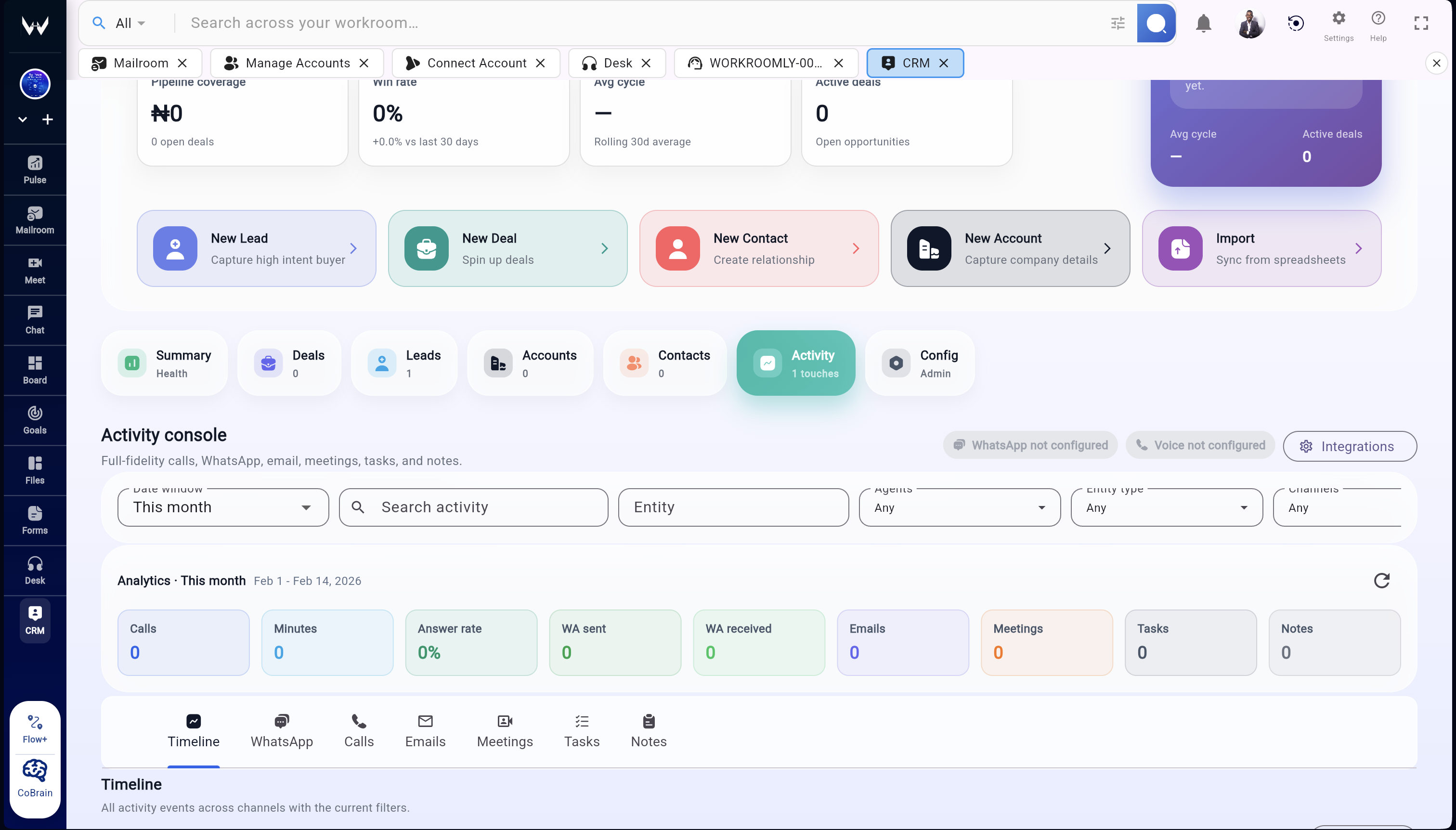
When a deal closes, board creation can inherit scope, stakeholders, and service templates automatically.
Multiple views, one source of truth
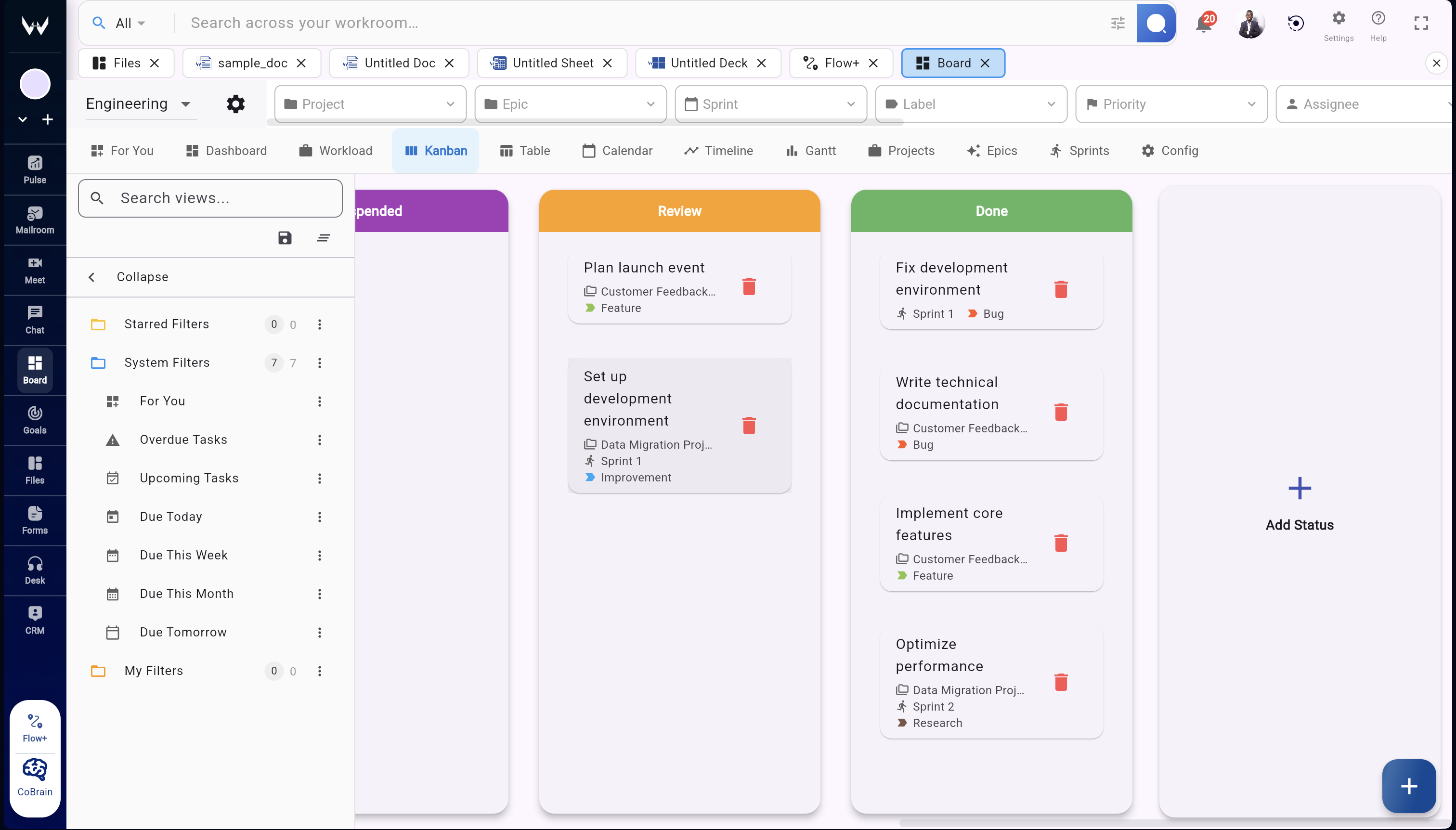
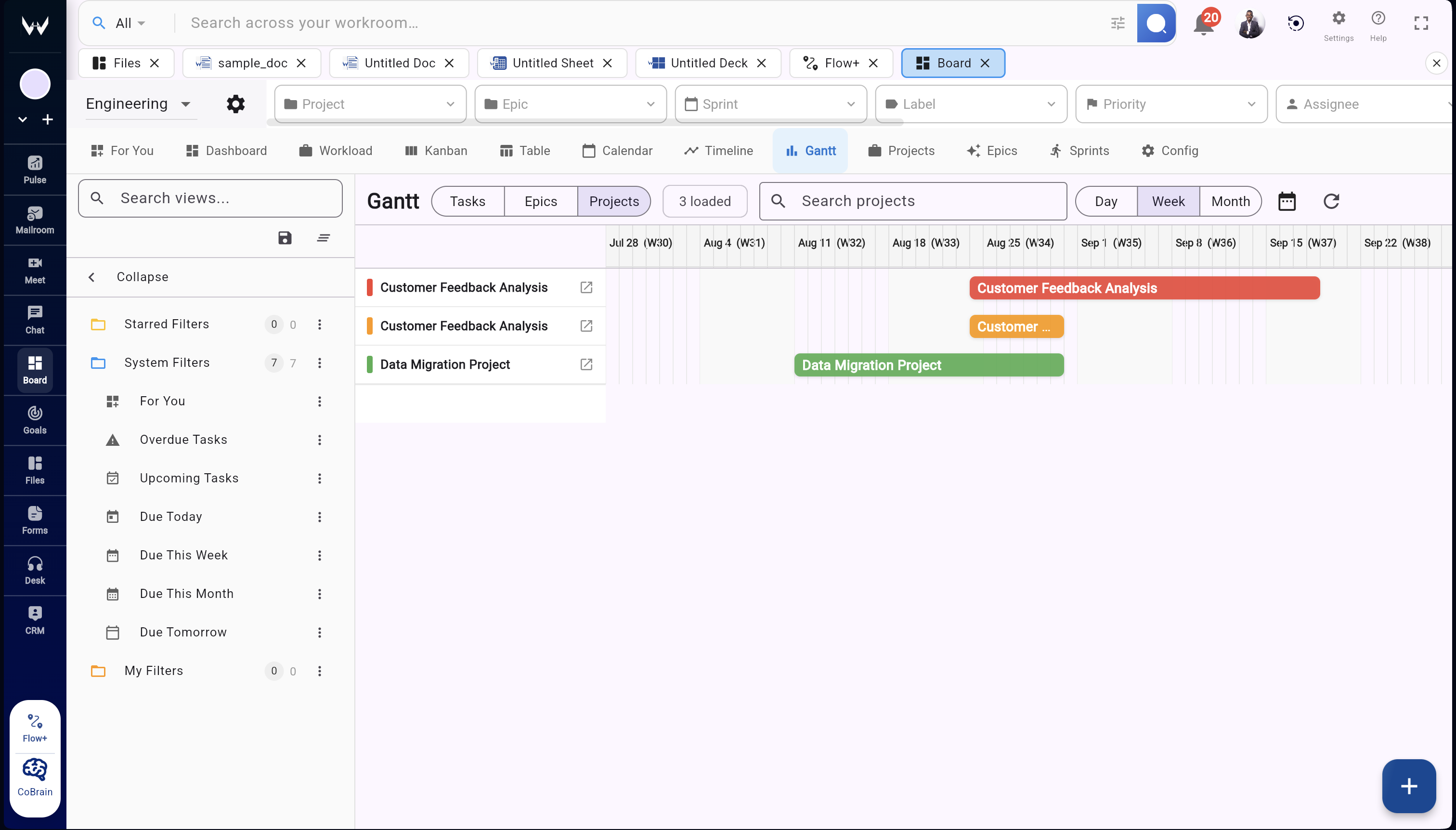
Kanban, table, and timeline modes let each team work in its preferred view without creating duplicate records.
Workroomly Boards vs Monday, ClickUp, and traditional project tools
Most project management tools organize tasks well, but the real execution context still lives in meetings, chat, documents, and CRM systems.
Workroomly Boards connects those signals so teams execute with full operational context instead of constantly switching between tools.
| Dimension | Monday / ClickUp / Asana | Workroomly Boards |
|---|---|---|
| Execution Context | Disconnected Tasks exist independently from meetings, conversations, and documents. Teams reconstruct context from Slack, Zoom, and Google Docs. | Connected Tasks stay connected to meetings, discussions, and files so the full execution timeline is always visible. |
| Meeting to Execution | Manual Handoff Meeting decisions must be manually converted into tasks after the meeting. | Direct Capture Meet conversations can generate tasks directly inside Boards with context attached. |
| Customer Workflow Continuity | Tool Split Sales deals and delivery projects live in separate tools with no workflow continuity. | Unified Flow CRM deals can automatically create delivery boards linked to the customer lifecycle. |
| Decision Memory | Lost Signal Important decisions disappear in chat threads or meeting recordings. | Persistent Pulse captures updates and decisions so execution history stays visible across projects. |
| Leadership Visibility | Manual Reporting Executives rely on manual reporting and status updates. | Real-Time Boards connect with Goals and Pulse so leadership sees execution signals in real time. |
Workroomly Boards does more than manage tasks.
It connects execution with meetings, customer context, files, and decisions — turning project tracking into a true operational command center.
Product Views
Switch perspectives without losing delivery context.
Pick the view that matches the moment. The underlying execution graph remains unified.
Operating Flow
From signed deal to shipped work in five clean moves.
Trigger board
Deal close or project kickoff creates the board and baseline template instantly.
Map scope
Define deliverables, dependencies, and acceptance criteria before execution starts.
Capture decisions
Meet and Chat discussions feed action items back into the board with context.
Manage risk
Blocker alerts and timeline tension show up early for practical intervention.
Ship with proof
Stakeholders get traceable updates tied to execution evidence, not manual status docs.
Less status theater. More shipping capacity.
Teams moving from fragmented execution stacks to Boards typically recover planning time by reducing manual reporting, duplicate handoffs, and context reconstruction work.
8h
Weekly ops time recovered per delivery lead
41%
Lower blocker resolution lag with dependency signals
2x
Faster stakeholder update cycle from AI summaries
1
Unified execution record across teams
FAQ
Common questions about the board module.
Is this a standalone task app?
No. Boards is the execution layer inside Workroomly, designed to stay connected to CRM, meetings, chat, files, and inbox context.
Can we migrate from ClickUp, Jira, Trello, or Asana?
Yes. Teams typically migrate active projects first, then move templates and automations. Demo sessions can map your current structure to a phased migration plan.
Does Boards support agencies and internal product teams?
Yes. The hierarchy and templates support client delivery programs, internal product roadmaps, and cross-functional operations workstreams.
How fast can we go live?
Most teams launch their first production board within days using prebuilt templates and guided setup from the founders program.
Design your next quarter on Boards, then run it without context loss.
Bring planning, decisions, dependencies, and delivery proof into one connected module. Start with founder credits and a guided deployment path.